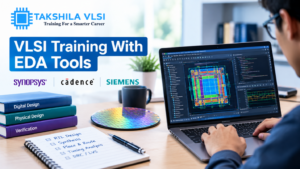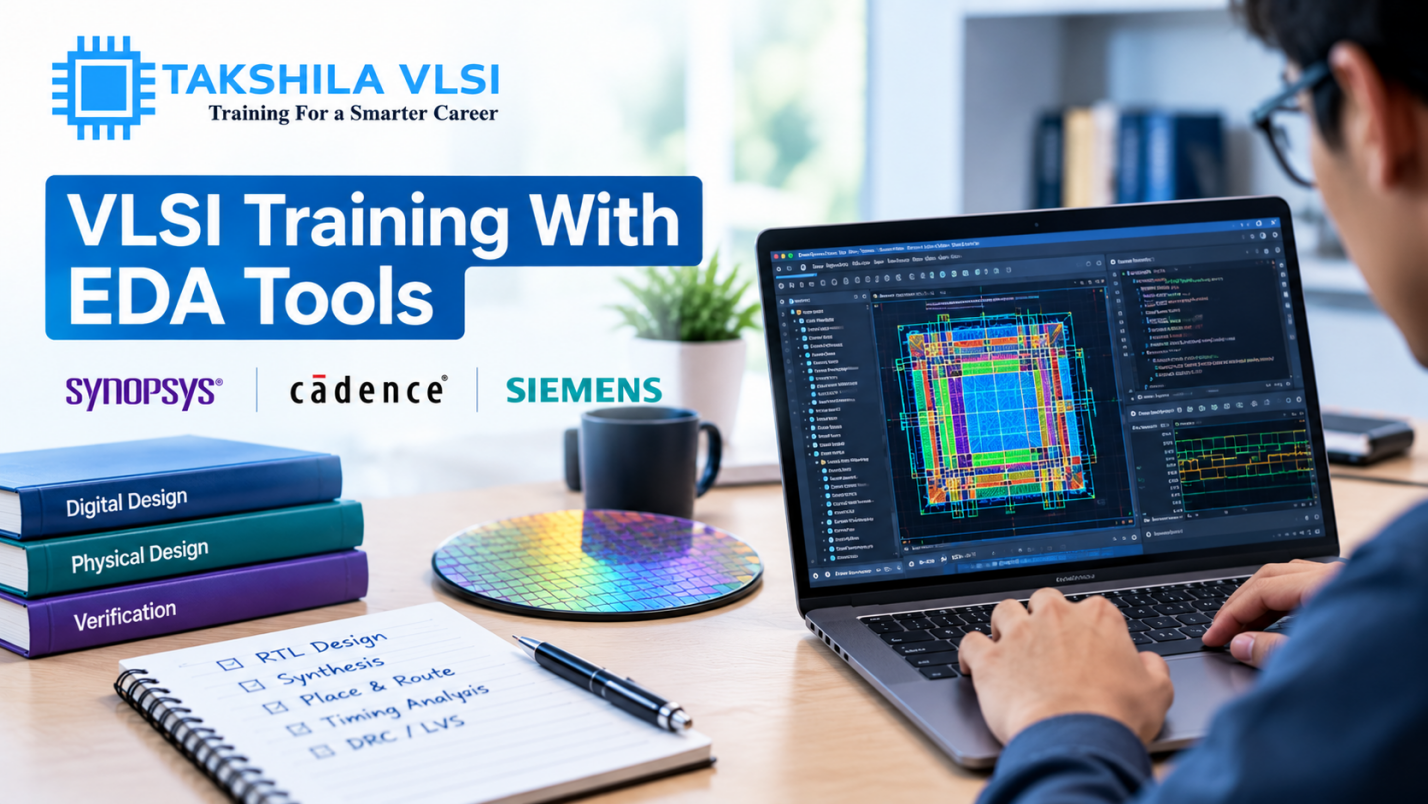
Ask any hiring manager in the semiconductor industry what separates a job-ready VLSI candidate from one who needs months of retraining, and the answer almost always comes back to tools. Concepts matter, but concepts alone do not get a chip taped out EDA (Electronic Design Automation) tools do. If you are evaluating a VLSI training course, one of the sharpest questions you can ask is simply: which tools will I actually get to use, and for how long?
Why Tool Exposure Matters More Than Most Freshers Realise
Every stage of chip design, from writing RTL code to signing off a physical layout, depends on specialised software built by companies like Synopsys, Cadence, and Siemens EDA. These tools have their own commands, scripting languages, report formats, and quirks that take real practice to get comfortable with. A candidate who understands timing closure in theory but has never actually opened a timing report in a tool like PrimeTime will struggle in a technical interview the moment the conversation gets specific. Employers know this, which is exactly why job descriptions almost always list specific tool names rather than just “physical design” or “verification” as a skill.
Simulation and Verification Tools to Look For
If your interest lies in verification, a job-oriented course should include hands-on training on industry-standard simulators such as Synopsys VCS or Cadence Xcelium, along with a debugging environment like Verdi for waveform analysis. Beyond simulation, exposure to formal verification concepts and tools adds real value, since formal methods are increasingly used to catch bugs that simulation alone might miss. The course should also teach you to write and debug SystemVerilog testbenches and UVM environments directly in these tools, not just in theory slides.
Synthesis and Design Tools
For RTL design, look for training on synthesis tools such as Synopsys Design Compiler or Cadence Genus, which convert your RTL code into a gate-level netlist. Understanding how these tools interpret your coding style and how small changes in RTL can significantly affect area, timing, and power after synthesis is a skill that only comes from repeated hands-on practice, not from reading about it.
Physical Design Tools That Should Be Non-Negotiable
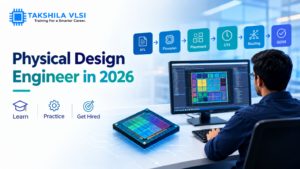
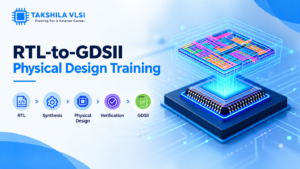
Physical design training absolutely must include hands-on time on a full-flow place-and-route tool, such as Cadence Innovus or Synopsys ICC2, covering floorplanning, placement, clock tree synthesis, and routing. Alongside this, static timing analysis using a tool like PrimeTime, and physical verification checks (DRC and LVS) using tools such as Calibre, are equally essential. A course that teaches floorplanning in one tool but skips hands-on timing analysis or physical verification is giving you an incomplete picture of the flow and incomplete pictures show up quickly during technical interviews.
Scripting Skills That Tie Everything Together
Nearly every EDA tool in the industry is controlled through scripting, most commonly Tcl, along with everyday use of Linux commands and shell scripting for managing files, automating repetitive tasks, and parsing reports. A course that only teaches you to click through a graphical interface, without ever asking you to write or modify a script, is preparing you for a classroom, not a job. Ask specifically whether scripting is a standalone module or something woven naturally into every hands-on session.
Individual Lab Access vs. Group Demonstrations
Perhaps the single biggest differentiator between training programs is not which tools they mention, but how you actually get to use them. A live demonstration where an instructor runs commands while forty students watch on a screen is not the same as an environment where each student has individual login access to run their own design end to end. Before enrolling, ask directly: how many hours of individual, hands-on lab access are included, and can I access the tools outside scheduled class time to practise and revisit exercises?
Licensing and Real Industry Versions
It is also worth asking whether the institute trains you on current, industry-relevant tool versions or outdated ones running on old licenses. Semiconductor companies regularly update their tool flows, and while the fundamentals stay similar across versions, training on a reasonably current setup makes the transition to an actual job smoother, with fewer surprises around new commands or updated report formats.
Assessing Whether Practice Is Guided or Left to You
Access to a tool means little if you are simply handed a login and left to figure things out alone. A well-structured course pairs hands-on lab time with guided exercises and a mentor available to explain why a command failed or why a report looks the way it does. Before enrolling, ask whether lab sessions are supervised, and whether you can ask questions in real time while running your own design rather than only during scheduled lecture hours.
Bringing It All Together
Choosing a VLSI course based on tool exposure, not just topic coverage, is one of the smartest things a fresher can do before enrolling. At Takshila Institute of VLSI Technologies, our design, verification, and physical design programs are built around genuine, individual hands-on access to industry-standard EDA tools, supported by scripting practice and real project work. Browse our course calendar to see upcoming batches and take a training path that is built for the tools you will actually use on the job.