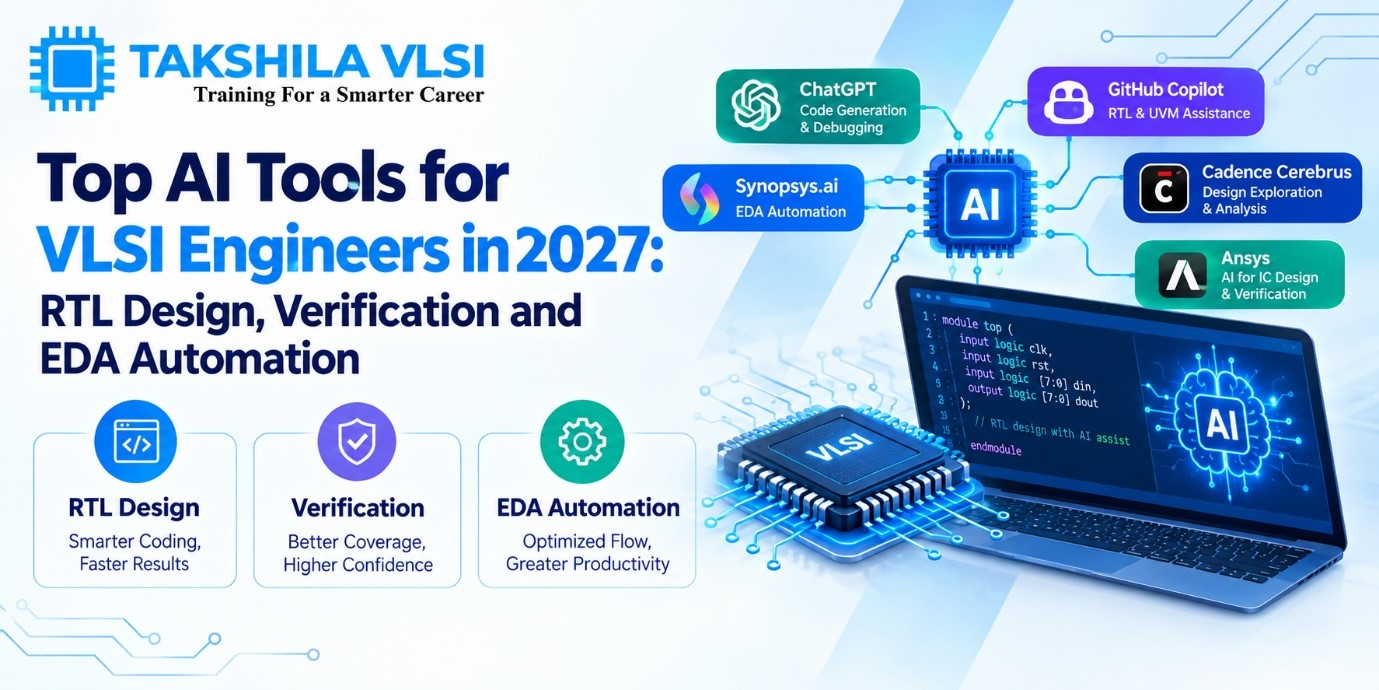
Two years ago, “AI for chip design” mostly meant research papers and a few optimisation features hidden inside large tools. Today the three biggest EDA vendors each market an agent-style system, and general-purpose AI assistants are part of many engineers’ daily routine.
This guide organises the landscape by what you want to get done: generating RTL, verifying it, debugging failures, optimising physical design and writing documentation. For each category you will find the main tools, what they are meant for, and the cautions worth knowing.
Please note: the information below reflects public announcements as of late 2026. Features, names, availability and pricing change quickly, and many commercial tools are sold through enterprise licences. Always confirm details on the vendor’s own pages before you rely on them.
How to Think About These Tools
| Category | What it is | Typical users |
| Embedded AI features | Optimisation or assistance built into an existing EDA tool | Engineers already using that vendor’s flow |
| Agentic EDA platforms | Systems that plan and run multi-step workflows using EDA tools | Design and verification teams at companies with enterprise licences |
| General AI assistants | Chat and coding assistants that can read and write code and scripts | Students, individual engineers and teams with approved policies |
| Open-source flows | Free tools for learning design flows, sometimes combined with AI research code | Learners, researchers and hobbyists |
Enterprise AI-Enabled EDA Platforms
Cadence: ChipStack AI Super Agent, Cerebrus and Verisium
Cadence introduced the ChipStack AI Super Agent for front-end design and verification. It coordinates several AI agents that use existing Cadence tools, including the Verisium verification platform, the Cerebrus Intelligent Chip Explorer and the JedAI data platform. Cadence describes tasks such as coding, testbench creation, test planning, regression, debugging and automatic fixes. Cerebrus applies machine learning to implementation, exploring options to improve power, performance and area. At launch, ChipStack was offered as early access, so confirm its current status.
Synopsys: Synopsys.ai, DSO.ai and AgentEngineer
Synopsys has built its AI offering in stages, starting with reinforcement-learning optimisation, then generative capabilities under Synopsys.ai, and now an agentic stack called AgentEngineer. In September 2026, the company announced a broad portfolio of domain-specific agents across verification, implementation, analog and other areas, with more than 50 engagements under way and general availability planned for the end of 2026. It has also shown agentic workflows developed with partners such as Microsoft, AMD and NVIDIA.
Siemens EDA: Fuse EDA AI Agent and Questa One Agentic Toolkit
Siemens launched the Fuse EDA AI Agent in March 2026 to plan and orchestrate workflows across semiconductor, 3D IC and PCB design. For verification, the Questa One Agentic Toolkit provides five agents: RTL code, lint, clock-domain crossing, verification planning and debug. Reports state that the toolkit works with mainstream AI coding applications as well as Siemens’ own Fuse platform. For implementation, Siemens describes integration with its Aprisa place-and-route tool.
Comparison by Use Case
| Use case | Tools to look at | Notes |
| RTL generation and code analysis | Cadence ChipStack, Siemens Questa One RTL Code and Lint agents, Synopsys AgentEngineer, general AI assistants | Strong for drafts; always lint, simulate and synthesize the result |
| Verification and testbench work | Cadence ChipStack and Verisium, Siemens Questa One agents, Synopsys verification agents | Useful for planning, boilerplate and triage; coverage and formal checks stay essential |
| Debugging and failure triage | Verisium, Siemens Debug Agent, Synopsys verification agents | Treat suggestions as hypotheses and confirm in waveforms |
| Physical design optimisation | Cadence Cerebrus, Synopsys DSO.ai and implementation agents, Siemens Aprisa integration | Best with large, repeated flows and strong engineer oversight |
| Scripts and automation | General AI assistants | Good for Tcl and Python helpers; test scripts before using them in a flow |
| Documentation and specs | General AI assistants, Fuse and vendor assistants | Check technical accuracy line by line |
General-Purpose AI Assistants
Chat and coding assistants are the most accessible tools for students. They can draft Verilog, explain errors, convert code to SystemVerilog, write Tcl and Python helpers, and summarise long documents. Their weaknesses are the ones described earlier: confident mistakes, ignored corner cases and no direct connection to your simulator. Use them with a clear prompt and with your own testing.
For company work, follow your organisation’s rules about which tools you may use and what data you may share. Proprietary designs should not go into public services.
Free and Open-Source Options for Learning
- Verilator and Icarus Verilog: free simulators for practising RTL and testbenches.
- Yosys: an open-source synthesis tool.
- OpenROAD and its flow scripts: an open-source place-and-route flow that lets you practise floorplanning, placement, CTS and routing on small designs.
- Research benchmarks: academic work such as Verilog-generation benchmarks lets you see how well different models handle hardware tasks.
These do not match the capability of commercial platforms, but they let you build real skills without a licence.
How to Evaluate Any AI Tool
- Define the task. Pick a specific job, such as generating a small FIFO and its testbench.
- Test on a block you know well. You can only judge output if you understand the answer.
- Measure results. Count the errors found, time saved and iterations needed.
- Check integration. Does it work with your simulator, synthesis and version control?
- Check data handling. Where does your design data go, and who can see it?
- Confirm access and cost. Ask about licensing, early-access status and support.
- Look for independent evidence. Vendor figures are useful but come from chosen examples.
An Example Workflow Combining Tools
- Use a general assistant to turn a rough idea into a structured specification, then refine it yourself.
- Draft the RTL with an assistant, then lint and review it.
- Simulate with a free or commercial simulator, using your own checks.
- Use an AI debugging aid to cluster failures, then confirm causes in the waveform.
- Run synthesis and, if available, an optimisation tool for area and timing exploration.
- Use an assistant to draft documentation, then verify every claim.
Common Cautions
- Do not paste confidential designs into public tools.
- Do not accept generated code without lint, simulation and synthesis.
- Do not judge a tool by a demo. Test it on your own tasks.
- Do not skip learning the fundamentals because a tool can generate code.
- Do not assume a tool is available to you. Many enterprise offerings require licences and onboarding.
What Matters More Than the Tool
Tool names will change. Cadence, Synopsys and Siemens will keep releasing new versions, and new startups will appear. What stays valuable is your ability to write a clear specification, review code critically, design good tests and interpret results. Learn those, and any tool becomes easier to use well.
To build those skills with structured guidance, explore the VLSI training programs, Verilog and SystemVerilog courses, ASIC verification tutorials and physical design training at Takshila Institute of VLSI Technologies.